Use cases
Live chat for ecommerce and small business sites on WordPress
Shops, bookings, software, agencies, courses, local services and estate agents: if your site runs on WordPress, Sales Igniter Chat answers your visitors from inside it. Pick yours.
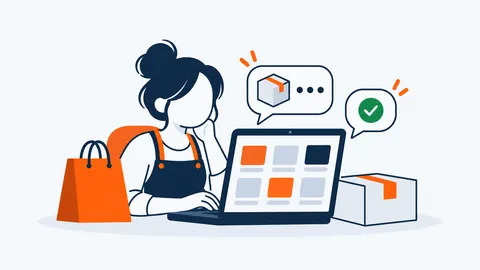 Online storesAnswer product questions with live prices, and see each customer’s orders beside the chat.How it helps
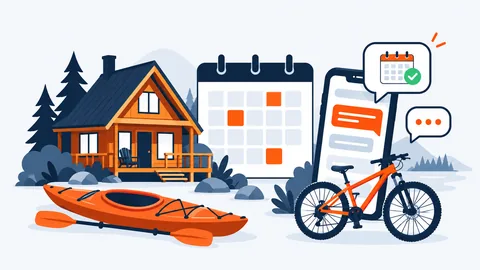 Rentals and bookingsCheck free dates and prices in the chat, and send a booking link with the dates filled in.How it helps
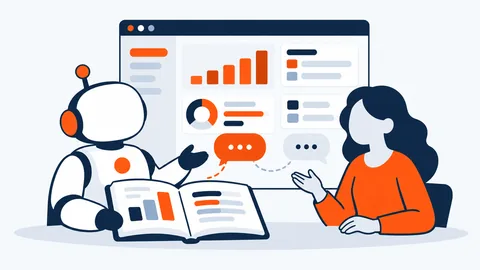 Software and supportLicences and renewal dates beside the chat, and answers from your help docs, with sources.How it helps
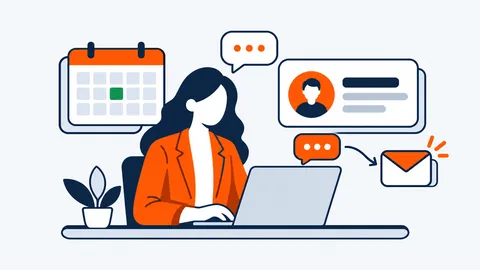 Agencies and consultantsAnswer every enquiry while you’re with clients, and send each one to the right person.How it helps
 Courses and membershipsHelp members find their way, from their lessons to their subscription, by chat or by email.How it helps
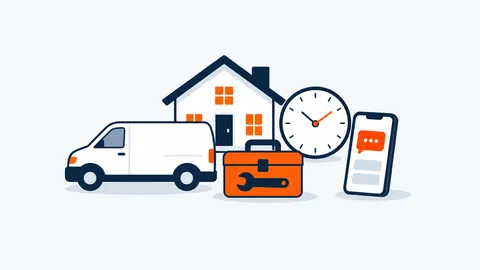 Local servicesQuestions and photos from customers, office hours that answer for you, and every reply on your phone.How it helps
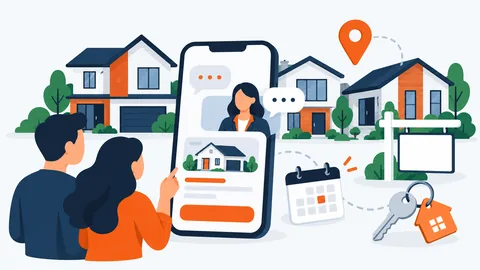 Real estateSay hello on the listings people are reading, and answer questions about each home fast.How it helps
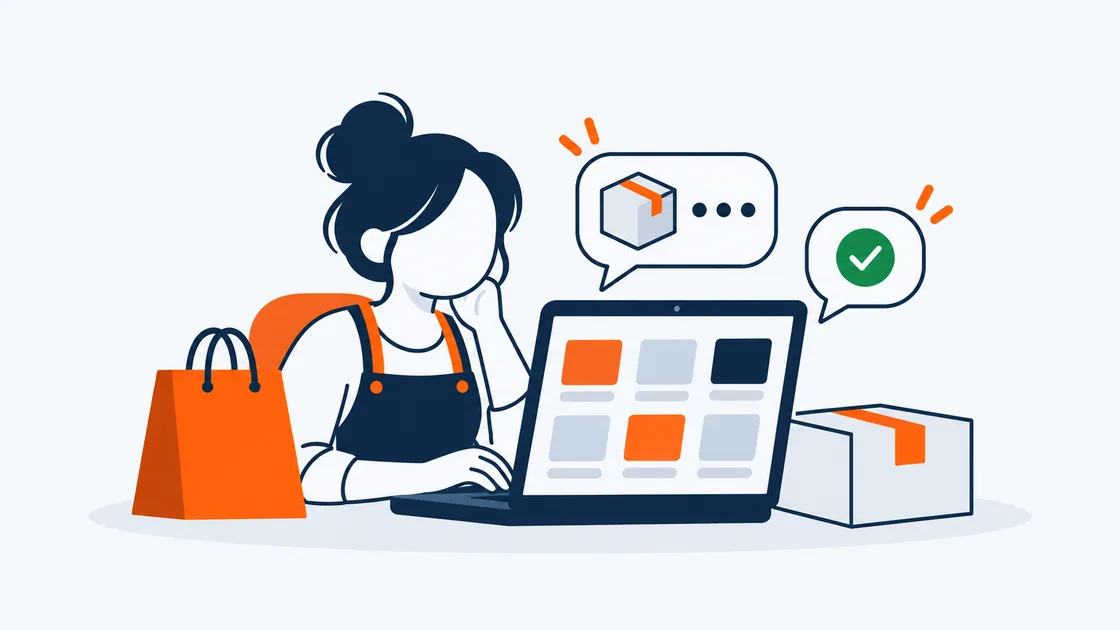
Online stores
Answer product questions with live prices, and see each customer’s orders beside the chat.
The problem
Shoppers ask about sizes, delivery and their last order, often in the evening. A question nobody answers is a cart left behind, and "where is my order?" eats the morning.
How Sales Igniter Chat helps
- The AI agent answers from your product pages and help docs, and quotes today’s price straight from your WooCommerce or Easy Digital Downloads store.
- A logged-in customer’s orders show beside the chat: lifetime spend, the last order and each order’s status.
- Proactive messages can open the chat on the pages you choose, or when a cart is above a value.
- Refunds and billing questions go to a person, with a short note from the AI saying why.
- Shoppers who leave get your reply by email, and their answer comes back into the same chat.
Rentals and bookings
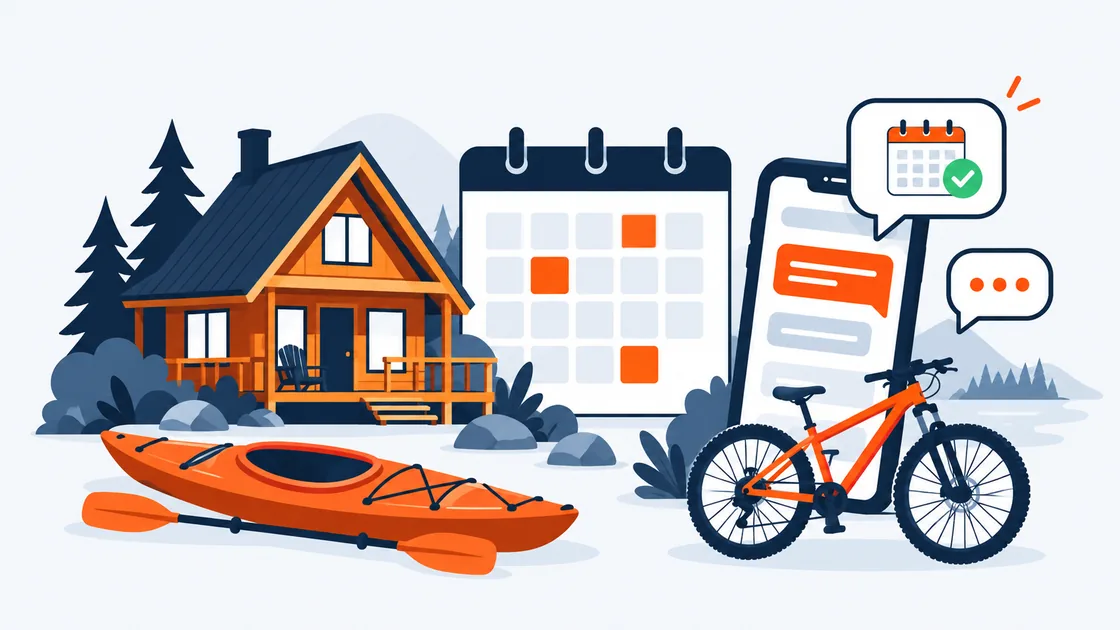
Check free dates and prices in the chat, and send a booking link with the dates filled in.
The problem
Guests want to know if the dates are free and what it will cost, now, not tomorrow. Questions about deposits and pick-up times arrive at all hours.
How Sales Igniter Chat helps
- With Rentals & Bookings (1.0.16 or later) on the site, the AI checks free dates, gives the price the cart will charge and a booking link with the dates filled in.
- Deposits, cancellation rules and directions are answered from your own pages, with the source shown.
- Office hours and holidays: outside hours the AI answers, or the chat asks for an email.
- New chats reach your phone by push, with no app to install from a store.
Software and support
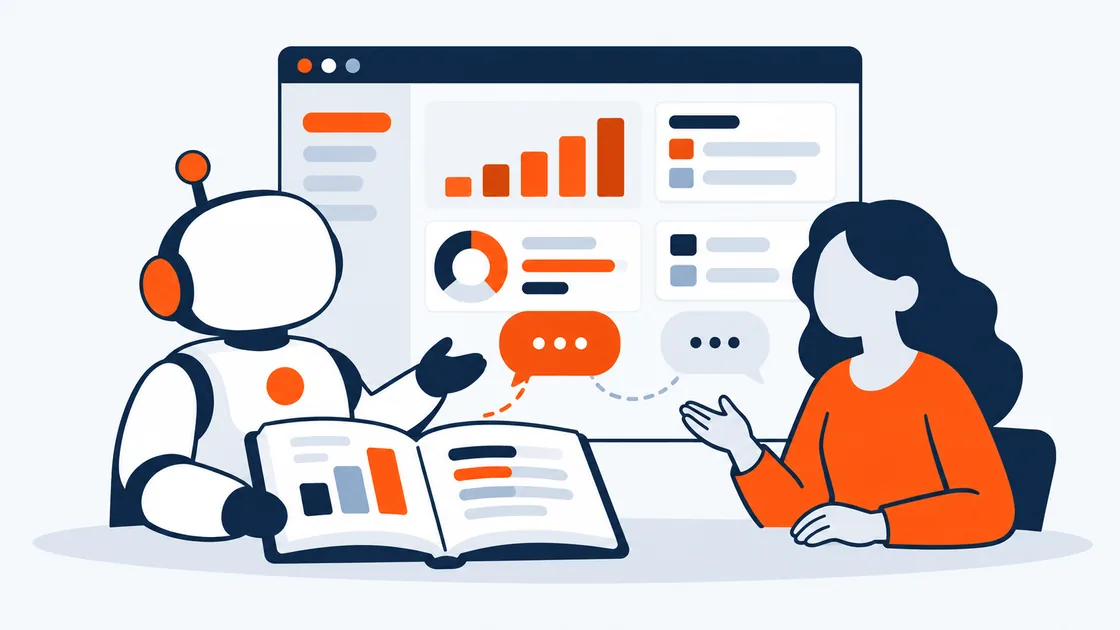
Licences and renewal dates beside the chat, and answers from your help docs, with sources.
The problem
Most questions are already in your docs, and the rest need to know which licence the customer has. Bugs need a person, with the details in one place.
How Sales Igniter Chat helps
- The AI agent answers from your help docs (BetterDocs, pages and posts) and shows the docs it used.
- For a logged-in customer, the AI and your team see their licences, renewal dates and subscriptions (Easy Digital Downloads Software Licensing, WooCommerce Subscriptions or EDD Recurring).
- A bug or a licence change goes to a person, marked "Needs a person", with the AI’s reason.
- In the reply box, ? searches your docs and ! inserts a saved reply.
- Private notes and Summarise for the team keep everyone up to date.
Agencies and consultants
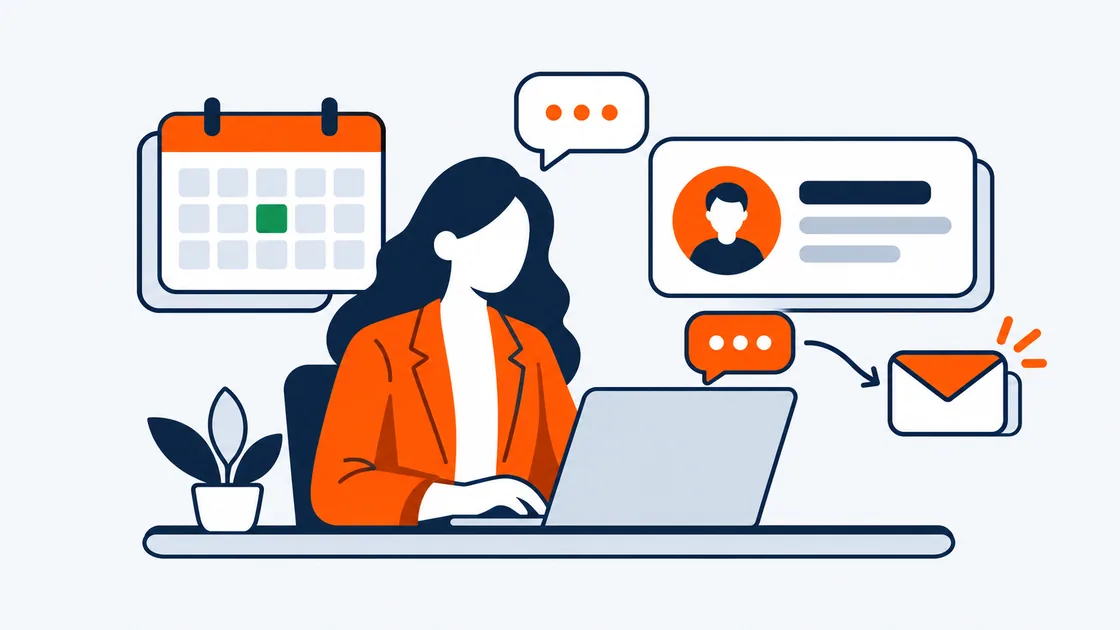
Answer every enquiry while you’re with clients, and send each one to the right person.
The problem
Enquiries arrive while you’re in a meeting. By the time you reply, the visitor has gone, and their email is nowhere.
How Sales Igniter Chat helps
- Routing rules send chats by page, words in the message, country or language to the right group, such as Sales.
- When someone is online but busy, the AI steps in after a minute (you choose) and says a person can still join.
- Questions before the chat collect a name and email, so no enquiry is lost.
- Replies the visitor hasn’t read go to them by email; their answer lands back in the chat.
Courses and memberships
Help members find their way, from their lessons to their subscription, by chat or by email.
The problem
Members ask the same "where do I find…" questions every day, and membership changes need a person who can see the account.
How Sales Igniter Chat helps
- The AI agent answers from your lesson pages and help docs, and links the page it used.
- Logged-in members skip the questions before the chat; their subscriptions show beside it (WooCommerce Subscriptions or EDD Recurring).
- Membership and billing changes go to a person, with the AI’s note.
- Visitors rate the chat Good or Bad when it’s resolved, so you see what works.

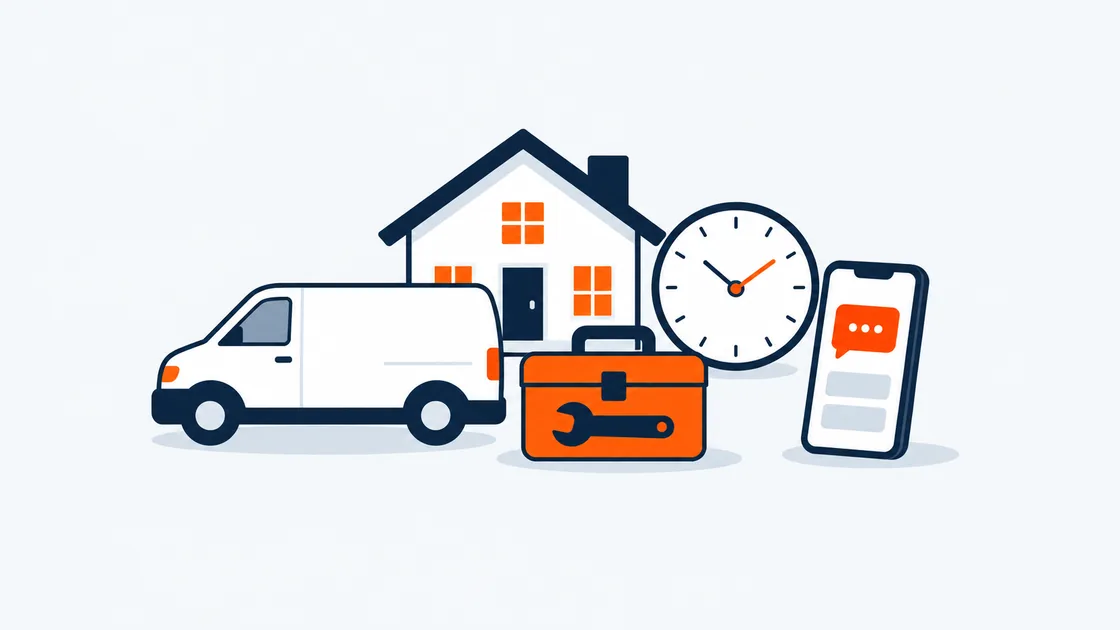
Local services
Questions and photos from customers, office hours that answer for you, and every reply on your phone.
The problem
You’re on a job when the questions come in. Customers want to show you the problem and know when you can come.
How Sales Igniter Chat helps
- Office hours, holidays and your time zone; outside hours the AI answers or the chat asks for an email.
- Customers can send photos and PDFs in the chat after their first message.
- New chats reach your phone by push (Web Push in the browser, iPhone and Android).
- If you’re out, your reply goes to them by email, and their answer comes back into the chat.
Real estate
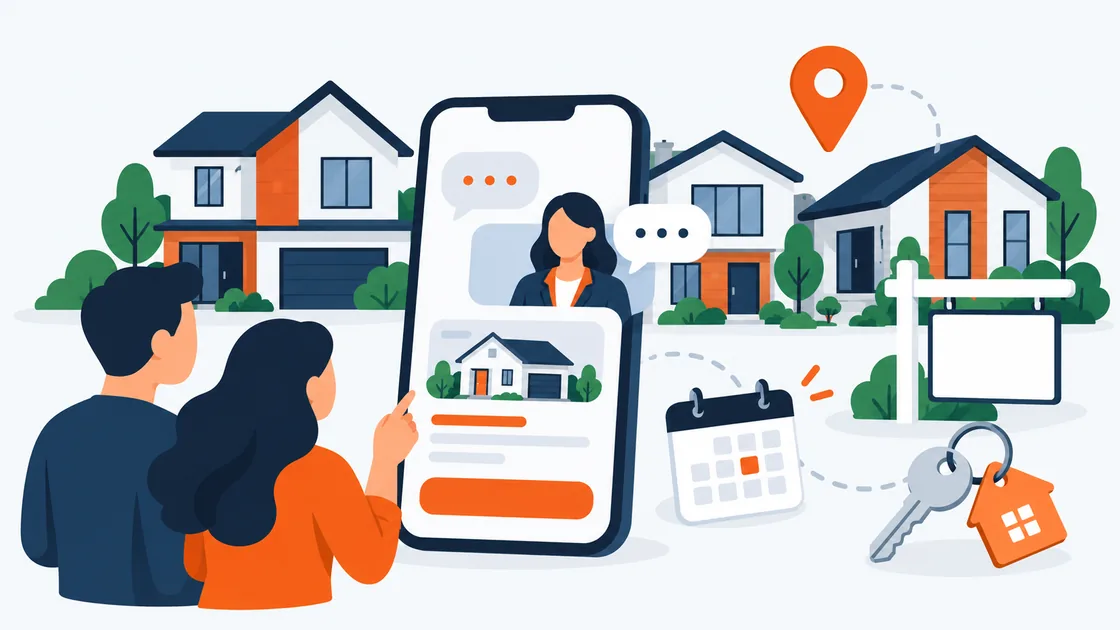
Say hello on the listings people are reading, and answer questions about each home fast.
The problem
Buyers browse listings in the evening and leave with their questions. The right agent should hear about a hot listing at once.
How Sales Igniter Chat helps
- Live visitors shows who is on which listing right now, with their consent.
- A proactive message can open on listing pages after, say, 30 seconds, from a person or the AI.
- Routing rules send chats from a listing’s pages to the agents or group who handle it.
- The AI answers from the listing pages you let it read, and hands over for viewings and offers.
Whatever your site sells, answer every visitor
One plugin for live chat, an AI agent that answers from your own pages, and email follow-up. It runs inside WordPress, and your conversations stay in your own database.