Live chat and an AI agent for WordPress · by Sales Igniter
Answer every visitor, from inside WordPress
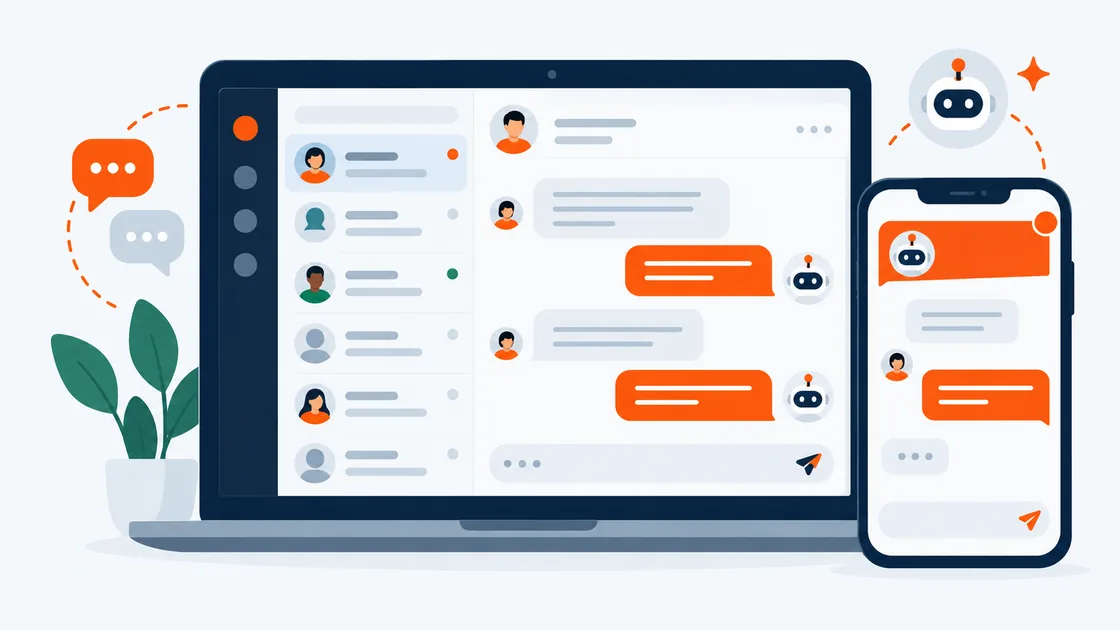
Igniter Chat puts a shared inbox, an AI agent that answers from your own pages, and a live view of your visitors right in wp-admin. Your conversations stay in your WordPress database, and your whole team answers for one price.
Shared inbox
Every chat in one inbox, right inside wp-admin
A full-screen app in your WordPress admin: the conversation list, the chat and the visitor's profile side by side. Your team signs in with the WordPress accounts they already have.
AI agent
An AI agent that only says what your site says
It answers from the pages and docs you pick, shows where each answer came from, takes prices from your store, and hands the chat to a person, with a summary, when it should.
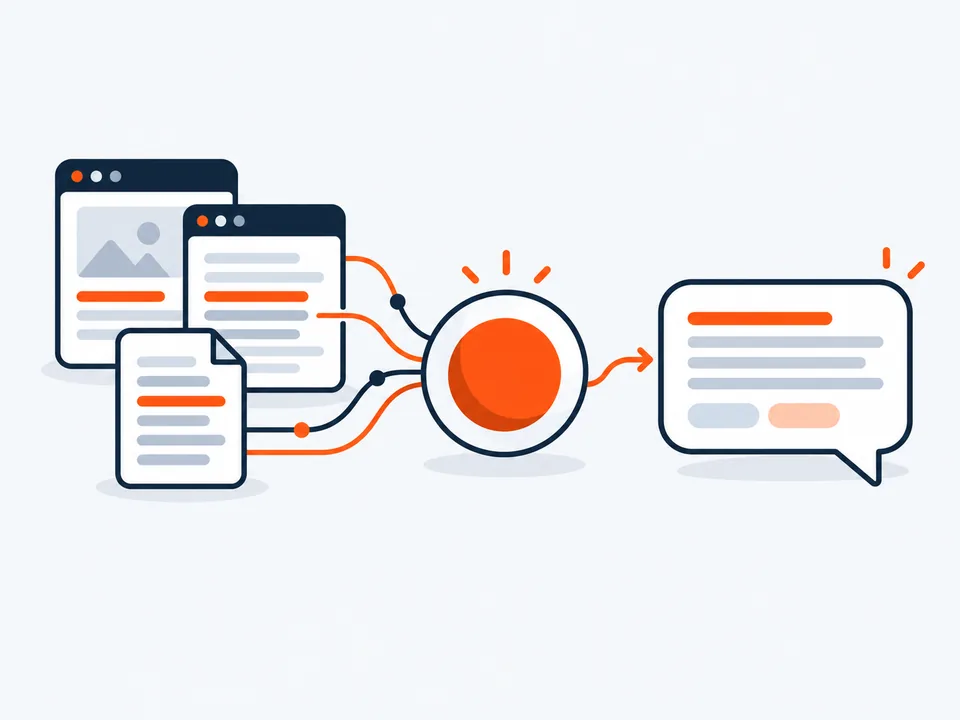
Bring your own key for OpenRouter, Anthropic, OpenAI, Google or any OpenAI-compatible service, and pay the model provider directly. In our tests a chat cost well under one cent with the default model. The AI is optional: chats can go to people and email only.
Email follow-up
When a visitor leaves, the conversation follows them
Replies they missed go out in one email. They answer from their own inbox, and the reply lands back in the same thread, marked "via email".
Live visitors
See who's on your site, and say hello first
A live map and list of your visitors, with the page they're on, where they came from and the pages they've seen. Logged-in customers show their orders next to the chat.
Notifications
New chats reach your phone, even with WordPress closed
Add the inbox to your phone's home screen and turn on push. A new message arrives as a notification; tap it, and you're in the chat.
Also built in
The rest of a support desk, already there
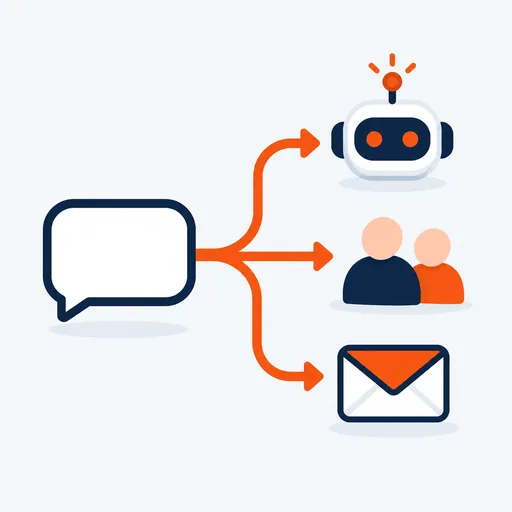
Routing rules
By page, country, language, topic or customer, to the AI, a group of people or email.
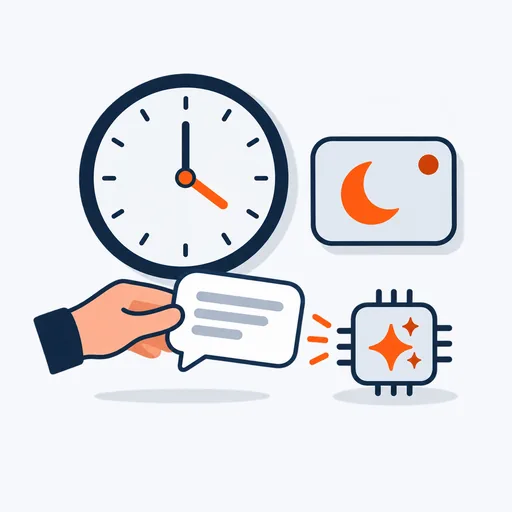
Office hours
Outside your hours the team shows as away, and the AI or email takes over.

Ratings
Visitors rate the chat when it's resolved, and you see the share of good ratings.

Contacts that remember
People are known across visits and channels, with facts your team chooses to keep.
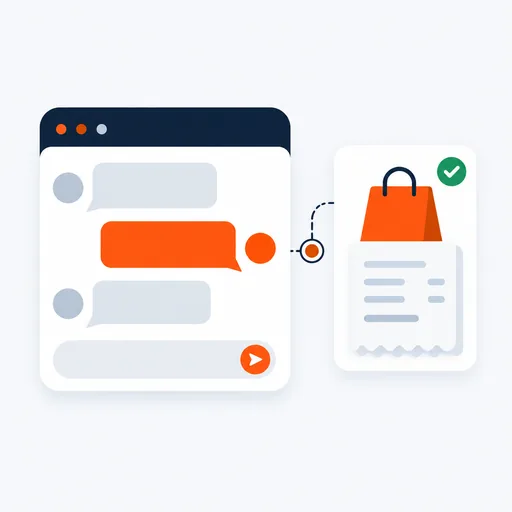
Purchases beside the chat
Orders, licences and renewal dates for proven customers, with keys masked.
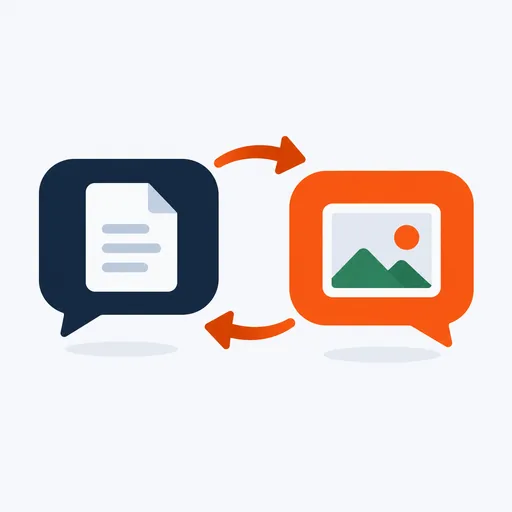
Files, both ways
Visitors and operators share files, kept private and served through signed links.
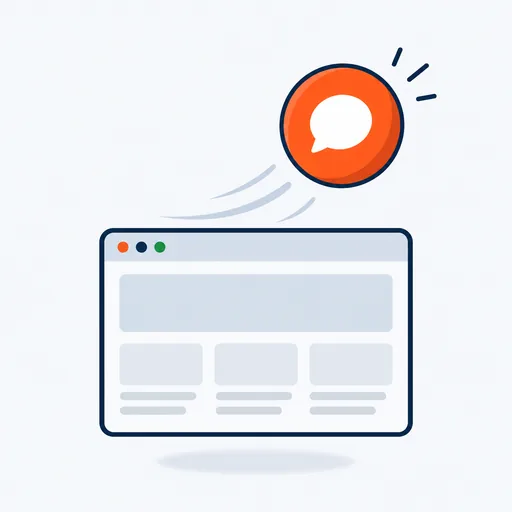
A light widget
The chat code loads only when someone opens it, stays under 30 KB gzipped, and works with page caching.

Runs on any host
Works everywhere out of the box. Add a WebSocket server for instant delivery.
Privacy
Your conversations stay on your server
Igniter Chat keeps chats, contacts and files in your WordPress database, not in another company's cloud.
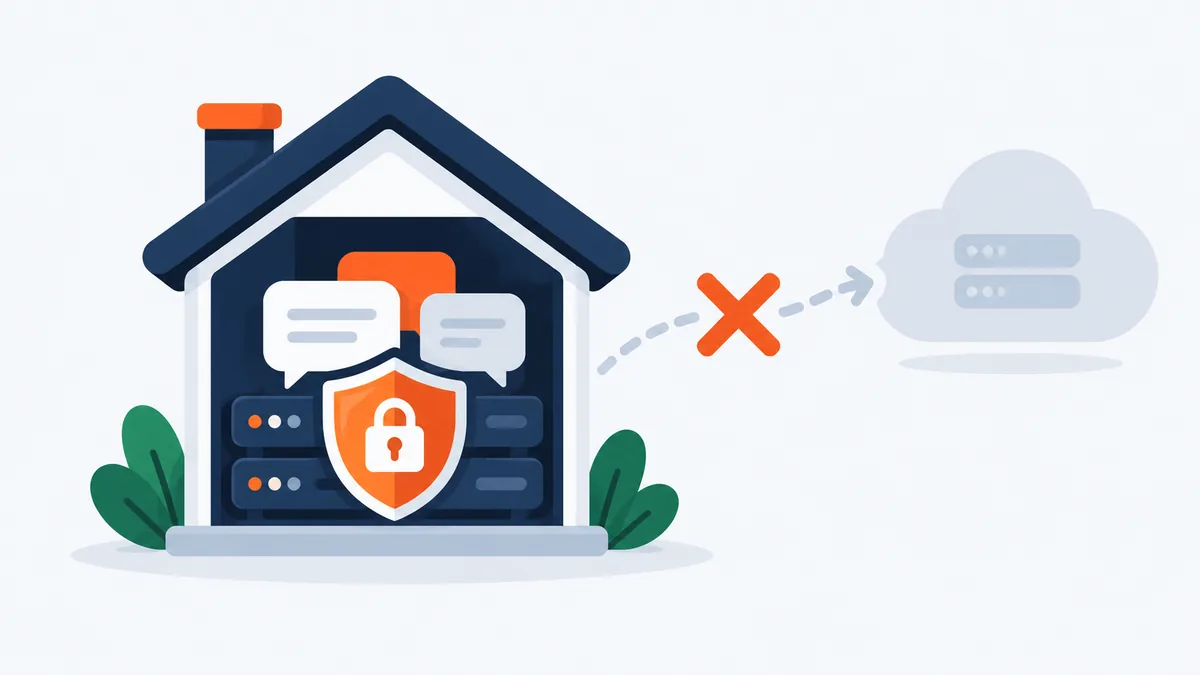
A typical hosted chat service
Igniter Chat
Integrations
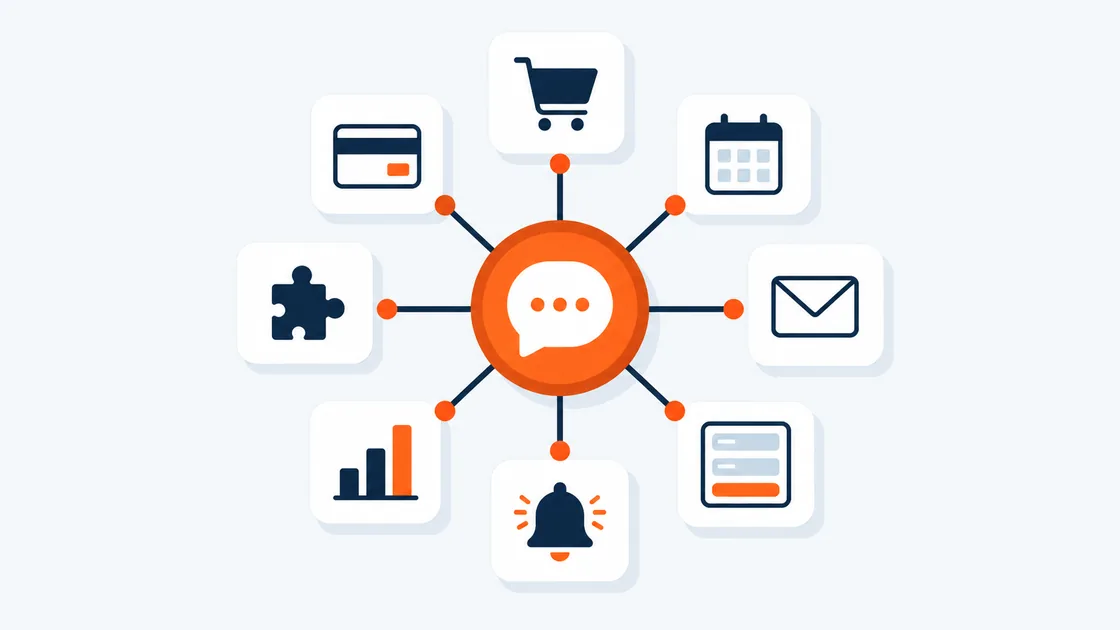
Works with the tools your site already uses
Everything is optional except WordPress itself.
Pricing
One plugin, every feature, your whole team
Licensed per site, not per seat. AI is billed by the provider you choose, at their price: work out your AI cost.
1 site 1 activation
$99 the first year
For one website and every operator on it. Then $59 a year for support and updates, renewing automatically; cancel at any time.
10 sites 10 activations
$299 the first year
For agencies and businesses with several sites. Then $149 a year, renewing automatically; cancel at any time.
Every licence includes
Needs WordPress 6.6+ and PHP 8.1+. WooCommerce and Easy Digital Downloads are optional. Also included in the Ultimate package for WooCommerce.
The buy buttons take you to our shopping cart at rentalbookingsoftware.com, the main Sales Igniter store, to complete your purchase.

No per-seat fees
Operators are WordPress users with the Chat operator role. Add everyone who answers chats: the licence is per site, not per seat.

FAQ
Questions people ask first
Give every visitor an answer, starting today
Install the plugin, follow the setup checklist, and choose who answers: your team, the AI, or email.